
Custom Software vs Spreadsheet. When Should You Switch?
Asanka • Nov 26, 2026 • 4 Min Read

fnb business using custom operational software
Why spreadsheets work until they do not
A business should move from spreadsheets to custom software when a spreadsheet is no longer simply recording work but slowing, fragmenting, or putting important operations at risk. If one workbook still supports a simple process with few users and low consequences for mistakes, there may be no reason to replace it. The decision depends less on company size than on workflow complexity, error impact, and the effort required to keep information consistent.
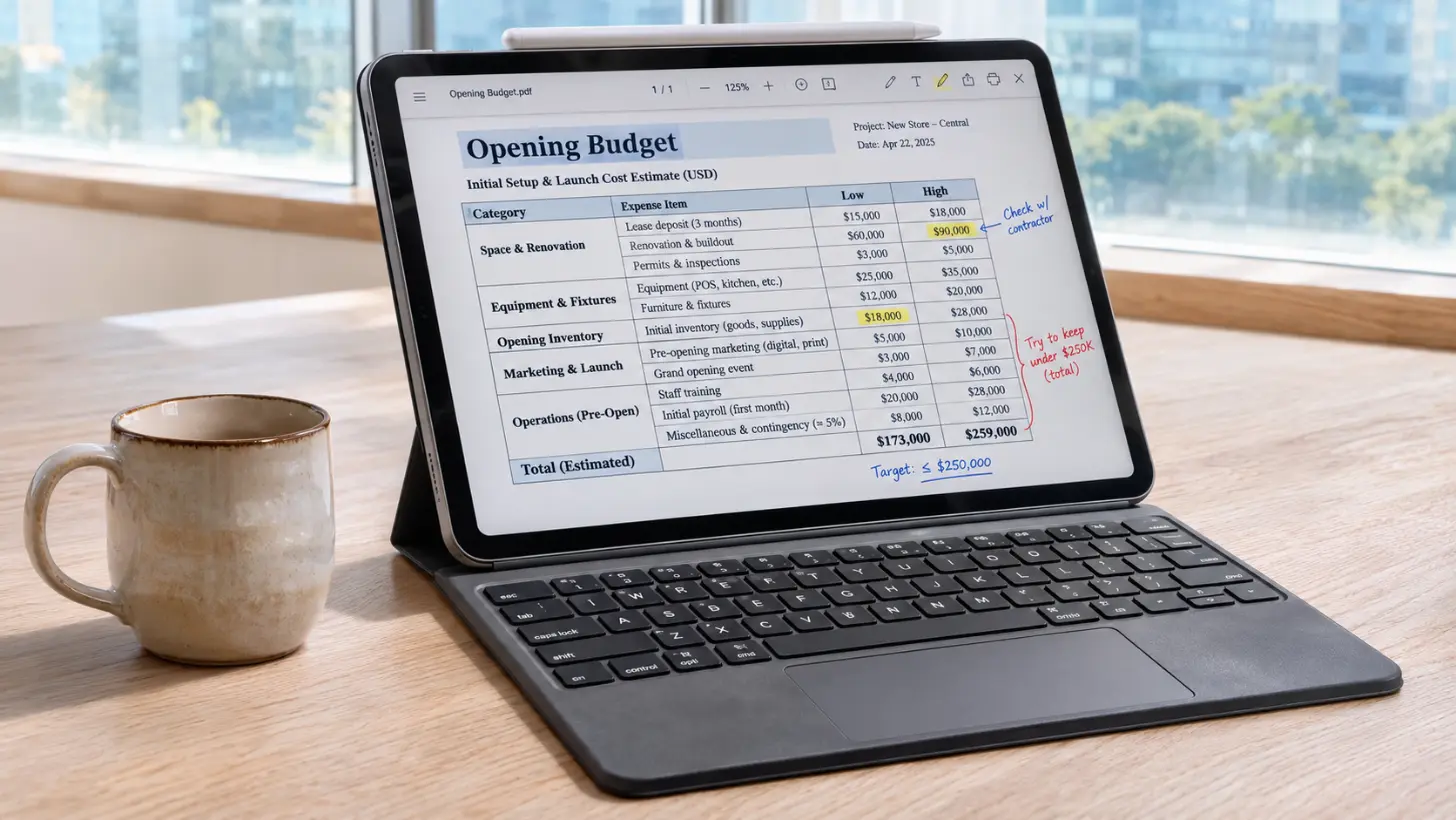
Spreadsheets remain useful because they are familiar, flexible, and quick to set up. They are often ideal for budgets, simple trackers, one off analysis, and early stage processes that change frequently. Trouble usually begins when several people rely on separate copies, enter the same information more than once, or depend on formulas that only one employee understands.
The risk is not just theoretical. A review of nine operational spreadsheet audits reported errors in roughly 84 percent of 163 examined spreadsheets, although the studies used different methods and scopes. This is not a prediction that every workbook contains a serious mistake, but it is a reminder to validate important calculations and review files that influence business decisions. Ray Panko’s spreadsheet audit summary provides the research context.
What spreadsheets and custom software do best
A spreadsheet is usually the better choice when the process is small, predictable, and easy to check. Custom software becomes more useful when the business needs shared records, consistent steps, controlled access, approvals, automated notifications, or connections between different tools. The goal is not to replace every spreadsheet, but to give recurring and business critical workflows a more reliable structure.
| Business need | Spreadsheet | Custom software |
|---|---|---|
| Simple tracking or one off analysis | Usually a good fit | Often unnecessary |
| Several teams updating the same records | Can become difficult to coordinate | Can provide one shared data source |
| Different access levels | Depends on file and process controls | Can be designed around user roles |
| Repeated approvals and notifications | Often needs manual follow up | Can automate defined steps |
| Connections to other business tools | May rely on imports or manual updates | Can be built around required integrations |
Data volume alone should not determine the decision. For example, Microsoft lists an Excel worksheet maximum of 1,048,576 rows and 16,384 columns, but a workbook can become difficult to govern well before reaching those limits. The more useful questions are who can change the data, how errors are detected, and how much time the team spends reconciling information. Microsoft’s Excel specifications explain the technical limits.

Five signs your business may need its own system
Look for these patterns in everyday work. One issue can be manageable on its own, but several recurring problems suggest that the current setup deserves a review. The important question is whether the spreadsheet is still supporting the process or whether staff are spending time managing the spreadsheet itself.
Multiple versions create confusion. Teams are unsure which file contains the latest figures or approved information.
Manual re entry takes too much time. Staff copy the same customer, order, stock, or payment details between tools.
Errors are difficult to trace. A changed formula or overwritten cell can affect reports without an obvious warning.
Access needs are more specific. Managers, staff, suppliers, and customers should see or change different information.
The process involves several connected steps. Work requires approvals, status updates, reminders, reporting, or data from other systems.
One warning sign does not automatically mean you need bespoke development. A well configured accounting, CRM, inventory, or project management platform may already solve the problem at a lower cost. Custom software is worth assessing when available products force the team to change essential processes, or when several tools still leave important gaps. The right solution should reduce complexity rather than introduce another system to maintain.
How to make the transition without overbuilding
Start by mapping the process before choosing technology. Write down who creates each record, who approves it, what information is required, where delays happen, and which reports the business needs. Then identify the smallest useful first release, such as a central customer database, stock workflow, booking process, or internal approval system. Test it with the people who will use it, clean and migrate the necessary data, and provide training before retiring the old spreadsheet.
A custom platform also needs clear ownership after launch. Plan for security, backups, user permissions, maintenance, and future changes as part of the project rather than treating them as optional extras. A good development partner should ask about business rules and daily operations before proposing features or estimating the build.
This is where Asanka’s Web & Application System service is relevant. Asanka describes its work as developing functional websites and custom applications with attention to user experience and platform performance. Its published portfolio includes private web based operational systems for Think Pink and Segara The Seaside, designed for authorized staff access and centralized internal operations. Its wider expertise also includes web optimization and brand design, bringing performance and user experience into the wider digital discussion. Asanka’s Web and Application System expertise and its website and system portfolio provide more context.
If your team is questioning whether its spreadsheets can support the next stage of operations, review Asanka’s Web & Application System service and compare the requirements of your current workflow with the systems in its portfolio. A useful first discussion should focus on the process, users, bottlenecks, and reporting needs, not on building software for its own sake. This keeps the decision grounded in operational value rather than technology for its own sake.